Godot MCP: AI Plugin for Godot 4.x
Godot MCP v1.0.0 is a native C++ GDExtension that connects Godot to Claude, Claude Code, Cursor, Windsurf, Cline, and other compatible MCP clients. It provides 74 tools across 23 categories, with native installers for Windows x86_64 and macOS Apple Silicon. Supports GDScript and C# projects.
Available tools
- Editing and building (21 tools): create, open, and save scenes; manage nodes; write and validate GDScript; create node trees in a single operation; work with UI templates and themes.
- Runtime (5 tools): start and stop games, read logs and errors, inspect and control the running scene tree, simulate input, and capture frames.
- Assets and presentation (30 tools): resources, files and project search, animation, shaders, TileMaps, particles, audio, and navigation.
- Project and editor (11 tools): project settings, input maps, autoloads, editor controls, batch refactoring, and scene checks.
- Debugging and utilities (7 tools): logs, profiler, ClassDB reflection, a built-in Godot 4 knowledge base, QA assertions, and a live capability index.
Requirements and licensing
- Godot 4.x only. Godot 3.x is not supported.
- Windows x86_64 or macOS Apple Silicon.
- Sign in with your VberAI account or use an activation code. Free trial and paid licenses available.
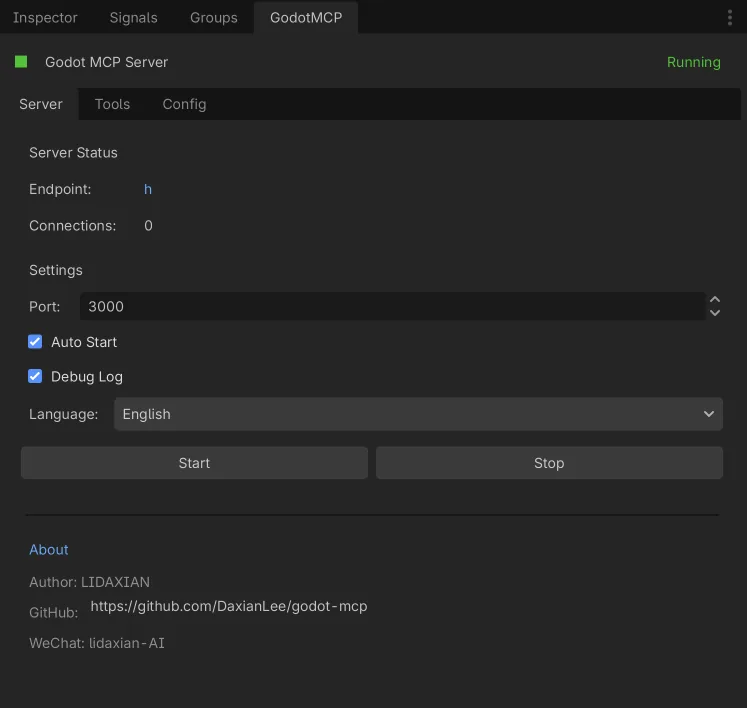
- Default MCP server port: 3000. Configurable range: 1024-65535.
Data handling
Project content is read only when an operation requires it, and edits are applied locally. MCP does not proactively upload project source code or assets to VberAI servers. Whether tool results are sent to the cloud depends on your AI client and model. Login credentials stay in the local user directory. Account and license checks require an internet connection.