AI Studio: AI-Native Game Design Platform

AI Studio is VberAI’s AI canvas for game art and UI, with export support for Unity, Cocos Creator, and Godot. The workspace has a PSB and layers panel on the left, an editable game UI canvas in the center, and Design, AI Notes, and AI Chat panels on the right.

Create game art and UI, generate frame-by-frame animation, trailers, and CG cinematics, or produce voiceovers, sound effects, music, and theme songs. Edit the results on the same canvas.

Workflow

  • Import PSD, PSB, or Figma files, or open an existing engine project.
  • Work with AI to generate scenes, reskin assets in batches, and use everyday editing tools.
  • Organize components into engine-ready prefabs.
  • Export Cocos scenes and prefabs, Unity Prefabs, or Godot scenes, and sync through MCP.
  • Bring engine scenes back to the canvas as editable assets.
VberAI Studio · World's first AI-native game design platform

Built for games,
AI-native by design

Engine-compatible from the ground up—Unity, Cocos, Godot. A toolbox of high-frequency AI utilities and automations powers art generation, sequence-frame animation and game video, AI voice, SFX and music, and design-to-engine delivery. Reverse flow returns scenes and prefabs as editable canvases—covering the whole AI production line for game content.

Try the web appView pricing
10×Art · animation · audio throughput
3+Unity · Cocos · Godot · more coming
0Manual re-binding
Untitled
15%
Pro4,207
  1. 01

    Import designs and project assets

    PSD layers, Figma-like designs, scenes, prefabs, art assets from inside the engine—pull anything in with one click.

  2. 02

    Generate and edit with everyday AI tools

    Call AI tools for art generation, matting, reskin, sequence-frame animation and game video, plus AI voice, SFX and music—every output stays editable on the canvas.

  3. 03

    Componentize for engine delivery

    Land as Unity, Cocos Creator, or Godot scenes, prefabs, art assets, and components ready to ship.

  4. 04

    Sync live into the engine

    Engine MCP completes engine operations, code, asset management, and debugging—loop stays in the engine.

  5. 05

    Bring engine assets back to the canvas

    Return scenes and prefabs from the engine as editable canvases—every script attribute and asset reference preserved.

Everyday AI tools + automation

All the everyday AI tools your game team needs

Generate images, remove backgrounds, restyle assets, process batches, split layers, and manage assets on one canvas. Use ready-to-use tools and automated workflows for everyday tasks.

New conversationDescribe what you want to create or change.
HistoryStyle docAI settings
Cyber fantasy combat HUDBoss · skills · alerts
Magic workshop UIQueue · orders · resources
Adventure level mapPath · nodes · rewards
Magic workshop styleColor · type · material
Design a c
End-to-end AI Agent

With one prompt, the AI Agent designs a complete set of game art

Drop your brief into chat. The AI Agent breaks it down on its own, generates UI / concept / level art in parallel, and lands every result on the canvas as an editable layer node.

  • Generates UI, concept, levels, and scenes in one pass
  • Agent plans subtasks and runs them in parallel
  • Outputs land on the canvas as structured editable layers
  • Iterate with follow-up prompts—Agent keeps going
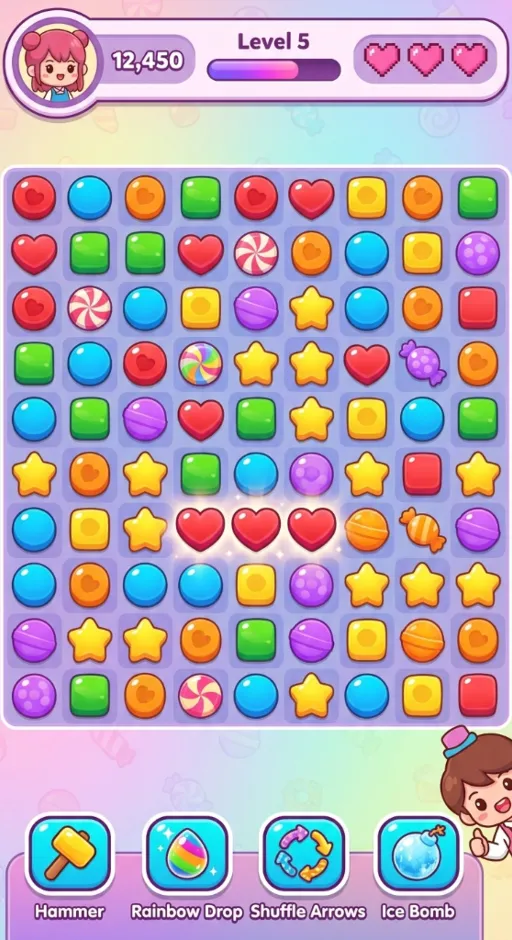
Main UI · 512 × 940
CropTrim the visible area while keeping canvas size
A wide range of everyday automation tools

Select any layer, every common action is one click away

Select any image layer on the canvas and the floating toolbar appears with frequent actions—crop, split, rasterize, AI expand, smart matting, AI inpaint, AI extract—every one a single click, no panel switching.

  • Floating toolbar follows your selection
  • Classic tools and AI tools live in the same bar
  • AI tasks run in place on the original node
  • Identical toolset on Desktop and Web
AI VideoFramesTrailerCutscene
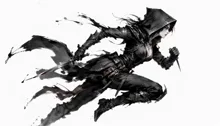
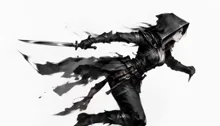
A female assassin dashing forward to attack mid-runGenerate
Done · 24 frames0:00 / 0:02
AI video generation

The latest frontier video models for game sequence-frame animation and video

Generate game sequence-frame animations, trailers, and story cutscenes right on the canvas—driven by text, image, or first/last frame. Outputs land as editable canvas layers you can crop, split into frames, and deliver to your engine.

  • Sequence-frame animation: character, FX, and skill frame sets in one click
  • Game trailers and story animations / CG in one place
  • Driven by text, image, or first & last frame
  • Outputs land on the canvas—split, edit, and deliver to engine
AI Audio0:03 / 0:12VoiceSFXMusicTheme
Voice
SFX
Score
AuditioningMerge & export
AI game audio

The latest frontier audio models for voice, SFX, music, and theme songs

Generate the audio a game needs in one place—character voiceover, impact and ambient SFX, background score, and theme songs. Audition, mix, and export in a multi-track editor, ready to ship.

  • Character voiceover: multiple voices, languages, and emotions
  • SFX: impact, UI, ambient, and skill sounds in one click
  • Score and theme songs composed to each scene's mood
  • Preview, mix, and export merged audio in a multi-track editor
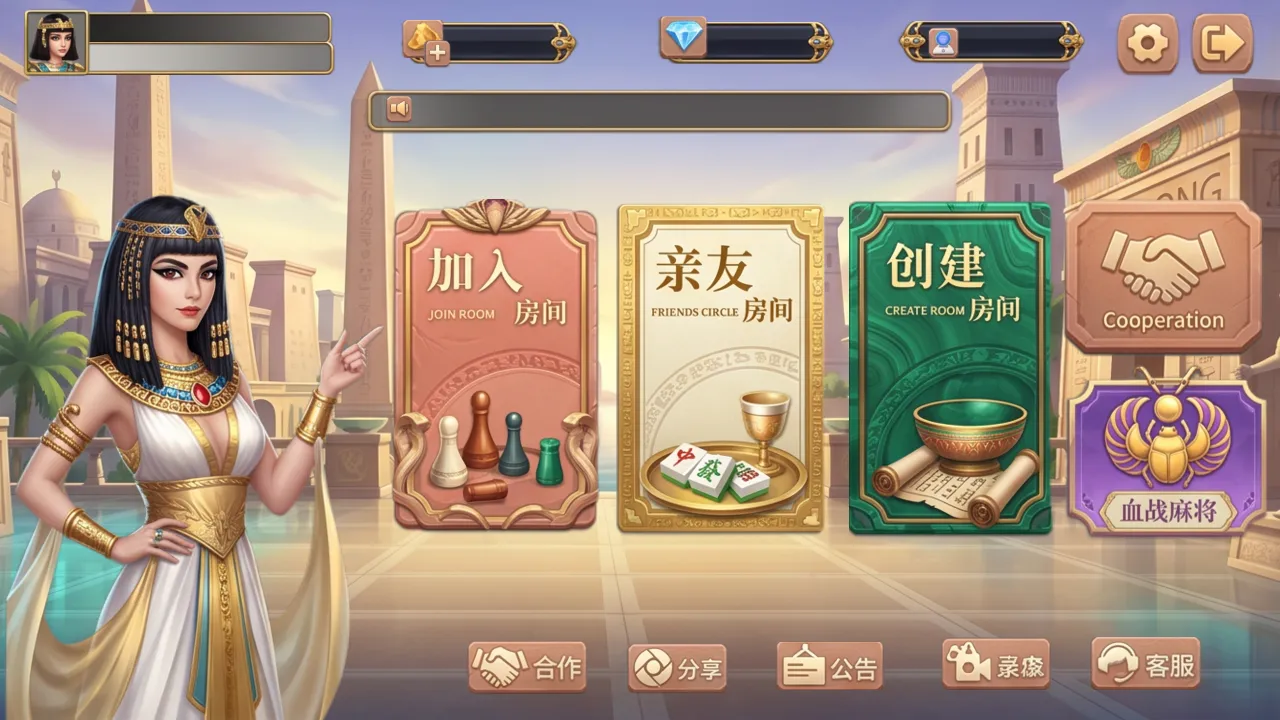
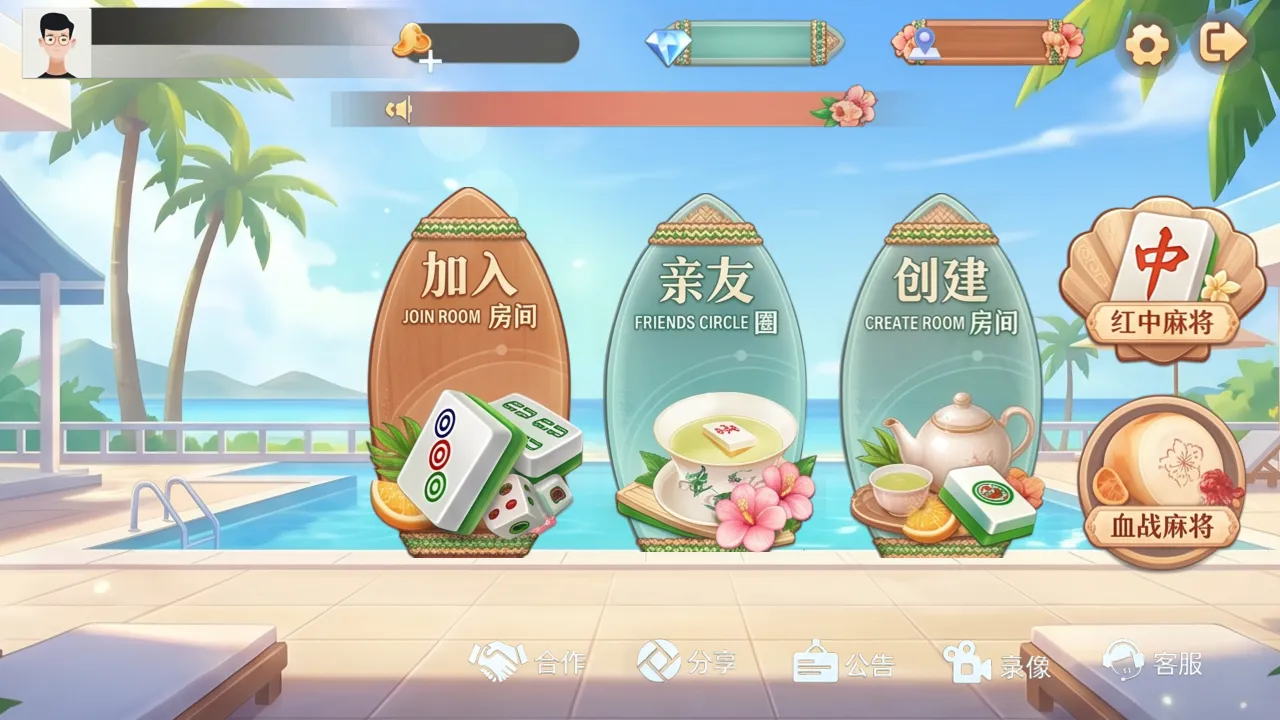
One-click art reskin

Keep the structure, swap the entire art set

One click on the canvas and AI reskins your full UI, buttons, FX, fonts—festival, IP, theme variants, your call. The underlying structure and script bindings never move.

  • Layer, component, and variant structure preserved
  • Engine script bindings and asset refs preserved
  • Color, style, theme—switch at will
  • Multi-version coexistence + A/B testing
Native game engine support

Engine-native components and two-way canvas integration

Configure engine components on the canvas and attach them automatically on import. Bring engine scenes and prefabs back to the canvas as editable designs.

VberAI Studio · Inspector
SPINSpinBtn · Button
Properties
Image100%
Normal100%
None
None (auto-infer)
#FFFFFF100%
Engine-native components

Configure engine components right in the inspector

Pick a control type for any canvas layer and fill in its parameters—on import to Unity / Cocos / Godot the component, default state, and transition mount automatically. No more manual wiring.

  • Every layer is a component—swap control types with one click
  • Default state and transitions follow engine semantics
  • Automatically attached on export, with no manual rebinding
  • Designers and artists ship without writing code
Cocos Creator · MainScene
MainScene
JackpotPopup.prefabScript
├ Background
├ Title (Label)
├ SpinBtn (Button)
└ FX (Particle)
VberAI canvas
Engine-to-canvas import

Pull scenes and prefabs back as editable canvases

Pull any scene or prefab from Unity / Cocos / Godot and let it land as a canvas—every script attribute, component binding, and asset reference intact. Edit and ship back, no re-mounting.

  • Script, component, binding attributes preserved
  • Material, texture, asset references preserved
  • Edit further, then export back the same way
  • Artists and designers never touch the engine
Engine MCP integration service

From Studio assets to an in-engine closed loop

Once AI Studio writes scenes, prefabs, components, and art back into the project, Engine MCP lets AI keep working inside Unity, Cocos Creator, and Godot—scripts, component config, asset management, and debugging—turning the whole pipeline into one end-to-end loop.

Full pipeline · live now

Game development end-to-end, AI across the whole chain

AI design → AI engine → AI automation—connected end to end, from design through delivery. One person can do the work of an entire team.

Live

Game animation production

AI-assisted rigging, keyframes, state machines, motion transfer.

Live
Live

AI agent automation

Multi-agent collaboration runs full design and delivery flows.

Live
Live

VberAI CLI

Drive AI design and engine workflows from the command line. CI/CD-ready.

Live
Live

Design MCP

Expose VberAI Studio through MCP so MCP-compatible AI clients can access it.

Live
Human-in-the-loop

AI leads, you take over anytime

Every AI action lands as an editable layer or script on the canvas or in the engine. Art, design, engineering, and AI share one file—take over, undo, rewrite at any time. AI accelerates, humans set direction.

  • @mentions, annotations, and branched threads live alongside the canvas
  • Replay, roll back, or branch through full project history at any point
  • Art, design, engineering, and AI in one file—no lossy hand-offs
  • Per-role and per-node permissions; sensitive assets stay read-only and audited
Live canvasMulti-role review
VberAI Studio · in sessionSpinBtn · ButtonAI
Live activitymain · synced
  • AICreated SpinBtn · Button node10:24
  • ArtSwapped coin material v310:25
  • DesignComment: brighten the gradient10:25
  • EngHooked onClick → Reward.spin10:26
  • AISynced to Engine MCP10:26
  • ArtPushed branch feat/skin-cny10:27
RolesArt · Design · Eng · AI
Source of truthSingle canvas
Start now

This is a game development revolution

Compose AI design, engine automation, and human-in-the-loop into one pipeline—lift team throughput dramatically, or let one person be the team.