AI Studio — The First AI-Native Game Design Platform

AI Studio is VberAI's AI-native canvas for game art and UI. It is built engine-first: Unity, Cocos Creator, and Godot are export targets from day one. The interface mirrors what game teams actually use — a PSB / layers panel on the left, a canvas in the middle that hosts real game UI, and a Design / AI Notes / AI Chat inspector on the right. Beyond art and UI, AI Studio also generates game video—sequence-frame animation, trailers, and story CG—and game audio: voiceover, SFX, music, and theme songs, all editable on the same canvas.

Workflow

  1. Import PSD / PSB / Figma or open an existing engine project.
  2. Co-edit with AI — generate scenes, restyle assets, run high-frequency utilities.
  3. Componentise into engine-ready prefabs.
  4. Export Cocos scenes / prefabs, Unity prefabs, Godot scenes; sync via MCP.
  5. Reverse flow: pull engine scenes back into the canvas as editable assets.
VberAI Studio · World's first AI-native game design platform

Built for games,
AI-native by design

Engine-compatible from the ground up—Unity, Cocos, Godot. A toolbox of high-frequency AI utilities and automations powers art generation, sequence-frame animation and game video, AI voice, SFX and music, and design-to-engine delivery. Reverse flow returns scenes and prefabs as editable canvases—covering the whole AI production line for game content.

Try the web appView pricing
10×Art · animation · audio throughput
3+Unity · Cocos · Godot · more coming
0Manual re-binding
Untitled
15%
Pro4,207
  1. 01

    Import designs and project assets

    PSD layers, Figma-like designs, scenes, prefabs, art assets from inside the engine—pull anything in with one click.

  2. 02

    AI generate and edit at high frequency

    Call AI tools for art generation, matting, reskin, sequence-frame animation and game video, plus AI voice, SFX and music—every output stays editable on the canvas.

  3. 03

    Componentize for engine delivery

    Land as Unity, Cocos Creator, or Godot scenes, prefabs, art assets, and components ready to ship.

  4. 04

    Sync live into the engine

    Engine MCP completes engine operations, code, asset management, and debugging—loop stays in the engine.

  5. 05

    Reverse flow back to canvas

    Return scenes and prefabs from the engine as editable canvases—every script attribute and asset reference preserved.

High-frequency AI tools + automation

All the high-frequency AI tools your game team needs

Inside one canvas, call them on demand—AI generation, matting, reskin, batch ops, smart split, asset management. Common actions distilled into ready-to-use tools and automation flows.

New conversationDescribe what you want to create or change.
HistoryStyle docAI settings
Cyber fantasy combat HUDBoss · skills · alerts
Magic workshop UIQueue · orders · resources
Adventure level mapPath · nodes · rewards
Magic workshop styleColor · type · material
Design a
End-to-end AI Agent

One prompt, the AI Agent designs the full art set

Drop your brief into chat. The AI Agent breaks it down on its own, generates UI / concept / level art in parallel, and lands every result on the canvas as an editable layer node.

  • Generates UI, concept, levels, and scenes in one pass
  • Agent plans subtasks and runs them in parallel
  • Outputs land on the canvas as structured editable layers
  • Iterate with follow-up prompts—Agent keeps going
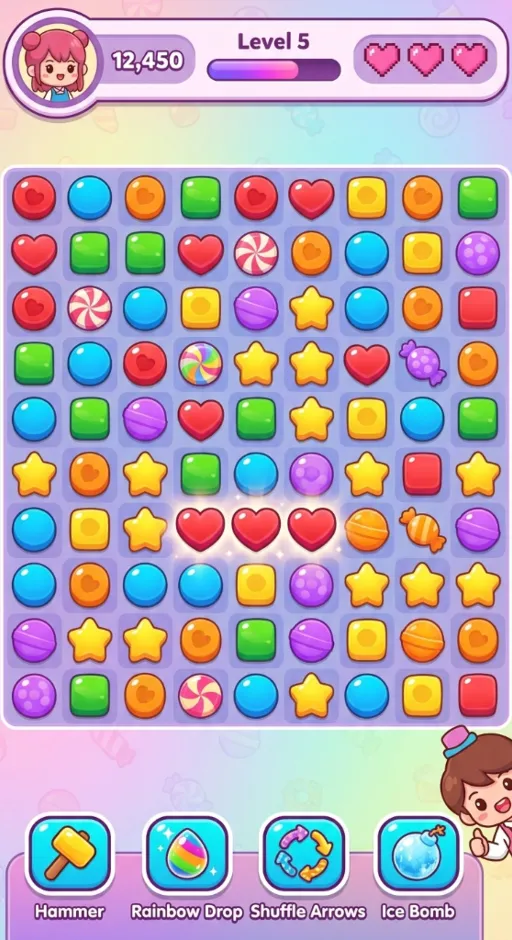
Main UI · 512 × 940
CropTrim the visible area while keeping canvas size
Rich high-frequency tools

Select any layer, every common action is one click away

Select any image layer on the canvas and the floating toolbar appears with frequent actions—crop, split, rasterize, AI expand, smart matting, AI inpaint, AI extract—every one a single click, no panel switching.

  • Floating toolbar follows your selection
  • Classic tools and AI tools live in the same bar
  • AI tasks run in place on the original node
  • Identical toolset on Desktop and Web
AI VideoFramesTrailerCutscene
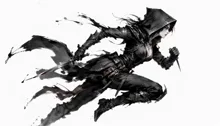
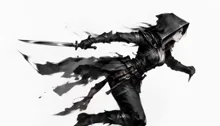
A female assassin dashing forward to attack mid-runGenerate
Done · 24 frames0:00 / 0:02
AI video generation

The latest frontier video models for game sequence-frame animation and video

Generate game sequence-frame animations, trailers, and story cutscenes right on the canvas—driven by text, image, or first/last frame. Outputs land as editable canvas layers you can crop, split into frames, and deliver to your engine.

  • Sequence-frame animation: character, FX, and skill frame sets in one click
  • Game trailers and story animations / CG in one place
  • Driven by text, image, or first & last frame
  • Outputs land on the canvas—split, edit, and deliver to engine
AI Audio0:03 / 0:12VoiceSFXMusicTheme
Voice
SFX
Score
AuditioningMerge & export
AI game audio

The latest frontier audio models for voice, SFX, music, and theme songs

Generate the audio a game needs in one place—character voiceover, impact and ambient SFX, background score, and theme songs. Audition, mix, and export in a multi-track editor, ready to ship.

  • Character voiceover: multiple voices, languages, and emotions
  • SFX: impact, UI, ambient, and skill sounds in one click
  • Score and theme songs composed to each scene's mood
  • Audition, mix, and merge-export in a multi-track editor
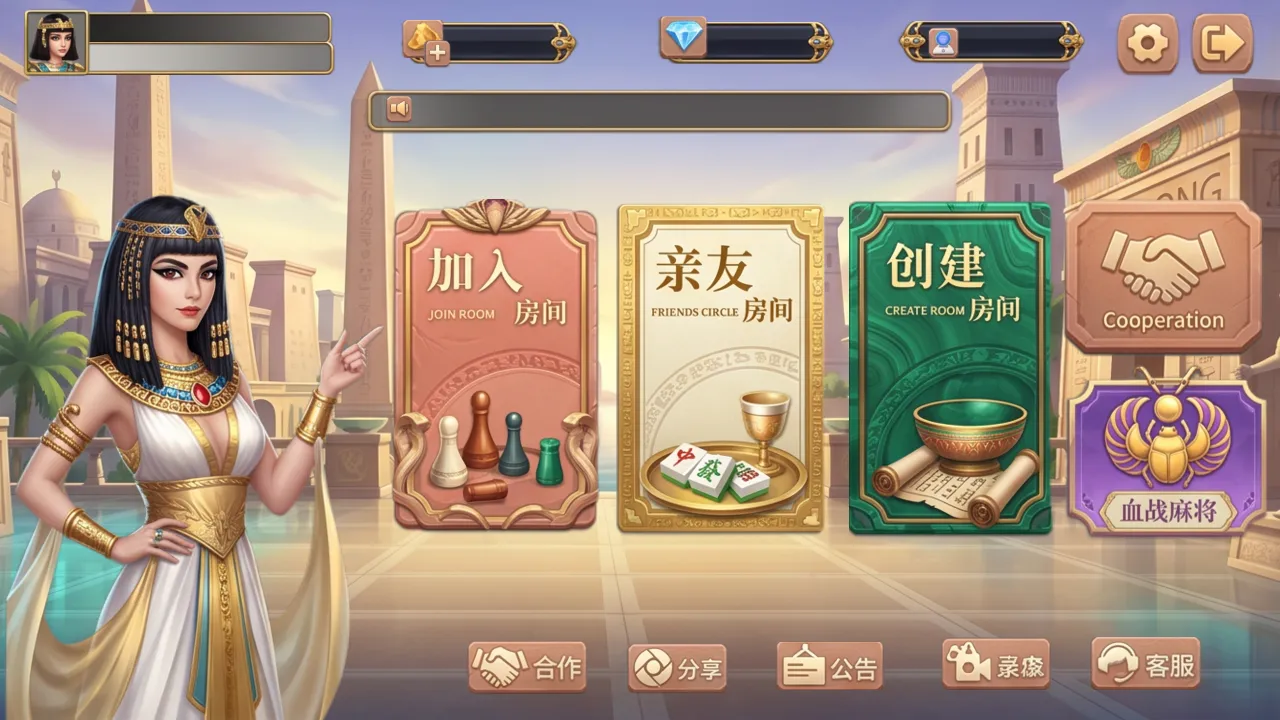
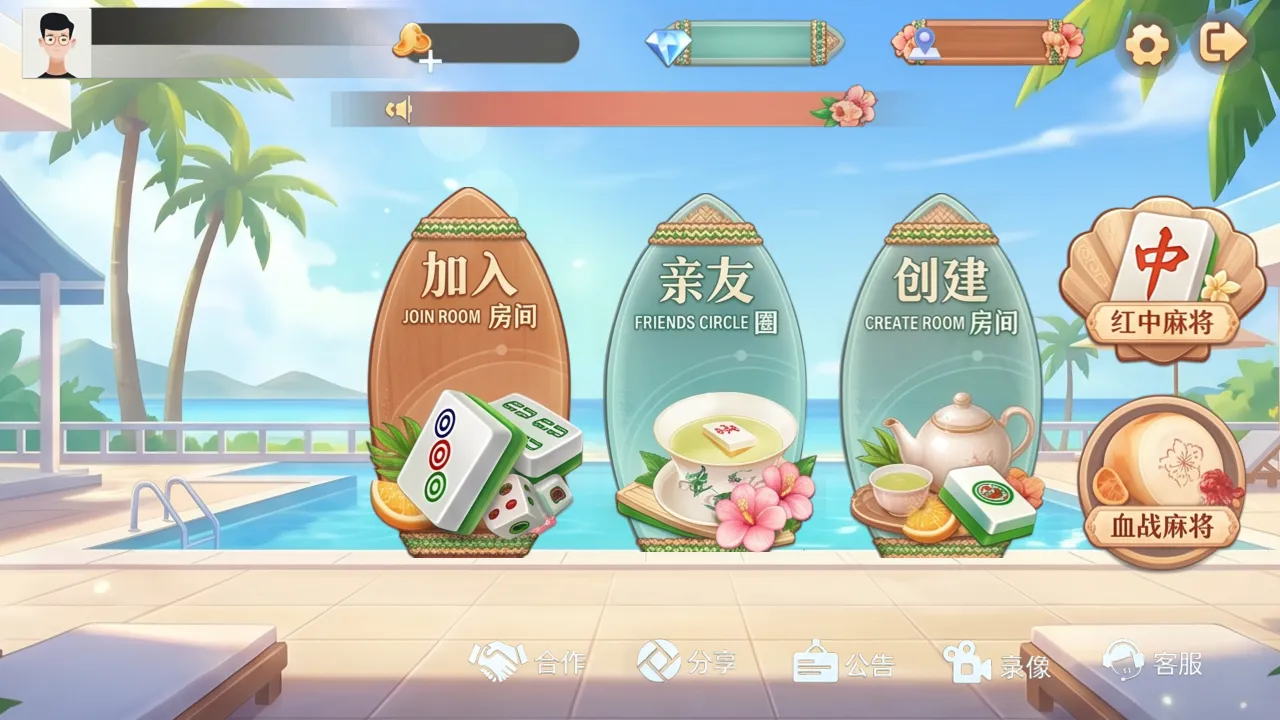
One-click art reskin

Keep the structure, swap the entire art set

One click on the canvas and AI reskins your full UI, buttons, FX, fonts—festival, IP, theme variants, your call. The underlying structure and script bindings never move.

  • Layer, component, and variant structure preserved
  • Engine script bindings and asset refs preserved
  • Color, style, theme—switch at will
  • Multi-version coexistence + A/B testing
Native game engine support

Engine-native components, two-way reverse flow

Configure engine components on the canvas and they auto-mount on import—or pull scenes and prefabs back as editable layers. One pipeline, both directions.

VberAI Studio · Inspector
SPINSpinBtn · Button
Properties
Image100%
Normal100%
None
None (auto-infer)
#FFFFFF100%
Engine-native components

Configure engine components right in the inspector

Pick a control type for any canvas layer and fill in its parameters—on import to Unity / Cocos / Godot the component, default state, and transition mount automatically. No more manual wiring.

  • Every layer is a component—swap control types with one click
  • Default state and transitions follow engine semantics
  • Auto-mounted on export—no rebinding by hand
  • Designers and artists ship without writing code
Cocos Creator · MainScene
MainScene
JackpotPopup.prefabScript
├ Background
├ Title (Label)
├ SpinBtn (Button)
└ FX (Particle)
VberAI canvas
Engine → Canvas reverse flow

Pull scenes and prefabs back as editable canvases

Pull any scene or prefab from Unity / Cocos / Godot and let it land as a canvas—every script attribute, component binding, and asset reference intact. Edit and ship back, no re-mounting.

  • Script, component, binding attributes preserved
  • Material, texture, asset references preserved
  • Edit further, then export back the same way
  • Artists and designers never touch the engine
Engine MCP cooperative service

From Studio assets to an in-engine closed loop

Once AI Studio writes scenes, prefabs, components, and art back into the project, Engine MCP lets AI keep working inside Unity, Cocos Creator, and Godot—scripts, component config, asset management, and debugging—turning the whole pipeline into one end-to-end loop.

Roadmap · coming soon

Game development end-to-end, AI across the whole chain

Following the AI design → AI engine → AI automation roadmap—more capabilities rolling out on schedule. One person, an entire team.

Q3 2026

Game animation production

AI-assisted rigging, keyframes, state machines, motion transfer.

Coming
Q3 2026

AI agent automation

Multi-agent collaboration runs full design and delivery flows.

Coming
Q4 2026

VberAI CLI

Drive AI design and engine workflows from the command line. CI/CD-ready.

Coming
Q4 2026

Design MCP

Expose VberAI Studio as MCP—any AI client can call it.

Coming
Human-in-the-loop

AI leads, you take over anytime

Every AI action lands as an editable layer or script on the canvas or in the engine. Art, design, engineering, and AI share one file—take over, undo, rewrite at any time. AI accelerates, humans set direction.

  • @mentions, annotations, and branched threads live alongside the canvas
  • Replay, roll back, or branch through full project history at any point
  • Art, design, engineering, and AI in one file—no lossy hand-offs
  • Per-role and per-node permissions; sensitive assets stay read-only and audited
Live canvasMulti-role review
VberAI Studio · in sessionSpinBtn · ButtonAI
Live activitymain · synced
  • AICreated SpinBtn · Button node10:24
  • ArtSwapped coin material v310:25
  • DesignComment: brighten the gradient10:25
  • EngHooked onClick → Reward.spin10:26
  • AISynced to Engine MCP10:26
  • ArtPushed branch feat/skin-cny10:27
RolesArt · Design · Eng · AI
Source of truthSingle canvas
Start now

This is a game development revolution

Compose AI design, engine automation, and human-in-the-loop into one pipeline—lift team throughput dramatically, or let one person be the team.